
A USB-to-CAN adapter looks harmless beside a PLC, test jig or embedded controller. Yet its Windows driver runs much closer to the operating-system kernel than most engineering software. If that driver fails, a diagnostic laptop may crash; if the laptop also supervises a production test cell, the interruption can become a manufacturing problem.
On 20 October 2026, the US Cybersecurity and Infrastructure Security Agency (CISA) published ICSA-26-293-01, covering vulnerabilities in HMS Networks’ PEAK-System PCAN Windows drivers. PEAK-System’s 19 October 2026 driver release 5.1.4 addresses the reported issues. This is a specific Windows host software update, not a claim that the CAN bus itself has suddenly become insecure.
What is affected?
CISA identifies PEAK-System Device Driver Setup version 5.1.2.1151 and earlier and PCAN Windows CAN device drivers version 5.1.2 and earlier in its affected product list. The advisory describes six CVE identifiers covering unsafe handling of buffers, indexes, pointers and lengths. Successful exploitation can crash the Windows kernel; some entries also carry an integrity impact. The highest CVSS v3.1 score in the machine-readable advisory is 7.1.
The exposure is principally local, requiring the relevant access on the Windows host; it should not be confused with a remotely exploitable flaw in the CAN physical layer. Nevertheless, a local path matters on engineering computers that execute third-party utilities, support vendor remote sessions or run test software from several suppliers. One unreliable workstation is enough to interrupt a shift.
PEAK-System’s official version history says version 5.1.4 corrects several locally triggerable security vulnerabilities in the PCAN-LAN, PCAN-Virtual and PCAN-USB drivers and strongly recommends updating. Affected-version thresholds are those in CISA’s advisory; teams should check actual installed driver versions rather than assuming that every 5.1.x package has identical exposure.
Six engineering checks before applying the patch
- Find the Windows hosts, not merely the adapters. Inventory engineering laptops, machine-build PCs, end-of-line test stations, calibration benches and remote diagnostic systems using PCAN hardware or virtual interfaces. Record the host owner, driver and installer versions, connected equipment, installed PCAN applications and production dependency.
- Confirm the installed driver. Inspect Windows device and driver details as well as the PEAK setup-package version. A PCAN-USB or PCAN-LAN interface can remain in service long after somebody has forgotten the last driver installation. Avoid treating a hardware label as evidence of the software build.
- Test version 5.1.4 on a representative bench first. Download only from PEAK-System’s official software page. Use a non-production Windows image with the same adapter family, application and API dependencies. Capture the working configuration so a failed upgrade can be reversed.
- Exercise the difficult paths. Check connection and disconnection, sustained receive and transmit traffic, expected error and bus-off handling, and recovery after an adapter reconnect. Where supported by the installed hardware and application, test CAN FD and CAN XL separately. Compare timestamps, loss counters and application errors with the baseline.
- Keep change control proportionate to the machine. A replacement driver may require downtime or a restart. For a workstation supporting a running test or production cell, agree a maintenance window, ownership, acceptance criteria and rollback plan. Do not update a live control-support host merely because Windows offers a convenient button.
- Protect the host while remediation is scheduled. Limit local users and executable software, manage remote access, and segment engineering stations from unnecessary IT connectivity. These controls reduce exposure but do not repair a vulnerable local kernel driver.
A practical acceptance record
For a production-connected CAN test station, keep the evidence small but reproducible: original driver version and installer, Windows build, PCAN interface model, application/API versions, test configuration, measured message counts and error behaviour, the replacement driver version, test result, restart requirement and rollback image. The acceptance decision should be made against the station’s real duty cycle, not a successful five-second connection test.
Also separate the layers. Driver patching is not PLC firmware patching; neither is it proof that an embedded CAN node’s application or communication stack is secure. CAN CC, CAN FD and CAN XL offer different communication capabilities, but host-software defects sit outside their arbitration and frame formats. A sound update procedure tests the complete measurement path from interface to engineering application without implying that a driver release changes the bus protocol.
What this means for manufacturers
Many factories maintain a careful register of PLC firmware and SCADA software, yet overlook USB interface drivers on the engineering computers used to commission and diagnose them. These machines are part of the operational technology estate. Patch management should include them, with the same care given to machine availability and recoverability. The sensible response is neither panic nor blind automatic updating: identify the affected hosts, validate the vendor fix, schedule the change and keep the result traceable.
CANS works across embedded electronics and system integration and industrial automation and SCADA engineering. For an assessment of a CAN-based machine interface, test station or OT engineering workstation, contact our team or enquire via CANS WhatsApp.
Primary sources
- CISA, ICSA-26-293-01: HMS Networks PEAK-System PCAN Windows drivers (20 October 2026).
- CISA official machine-readable CSAF advisory (affected products, CVEs, impact and remediation).
- PEAK-System CAN Device Driver 5.x version history (5.1.4 dated 19 October 2026).
- PEAK-System official software downloads.
- CISA release notice: six ICS advisories (20 October 2026).
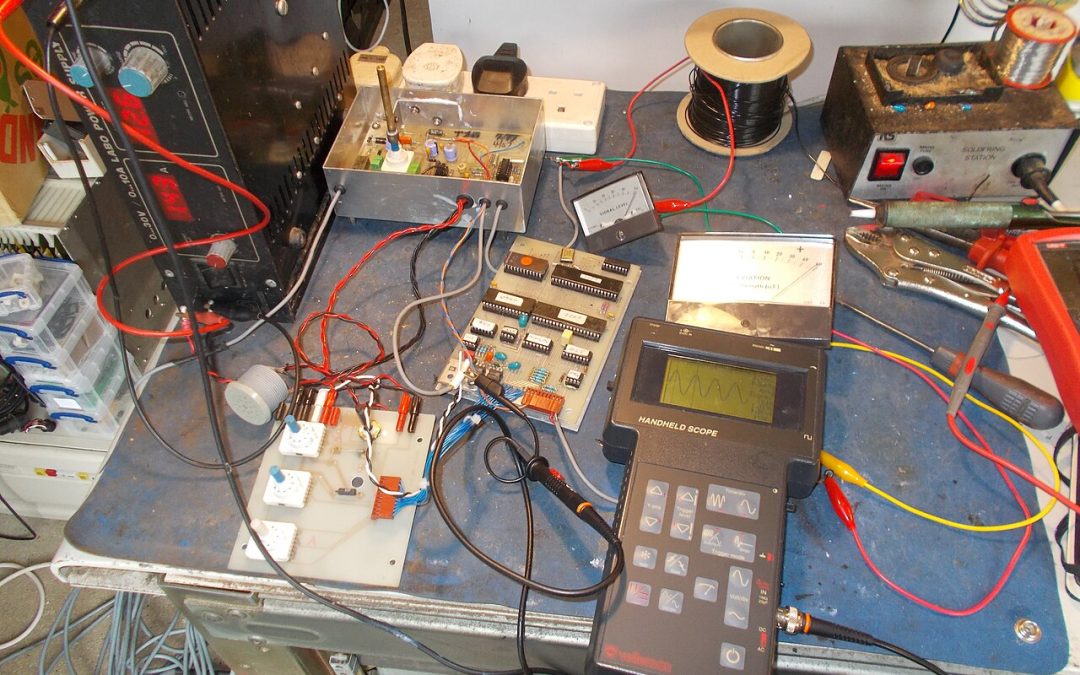
Featured photograph: Electronics testing bench, photographed by tony_duell (Wikimedia Commons/Flickr), licensed CC BY 2.0. Illustrative image; it does not depict an affected PCAN device or a CANS installation.

Recent Comments